
Podsqueeze
Podcast transcript generator, summarizer, clip maker & AI audio enhancer—all-in-one tool to grow your podcast and save hours of effort. Free to sign up.
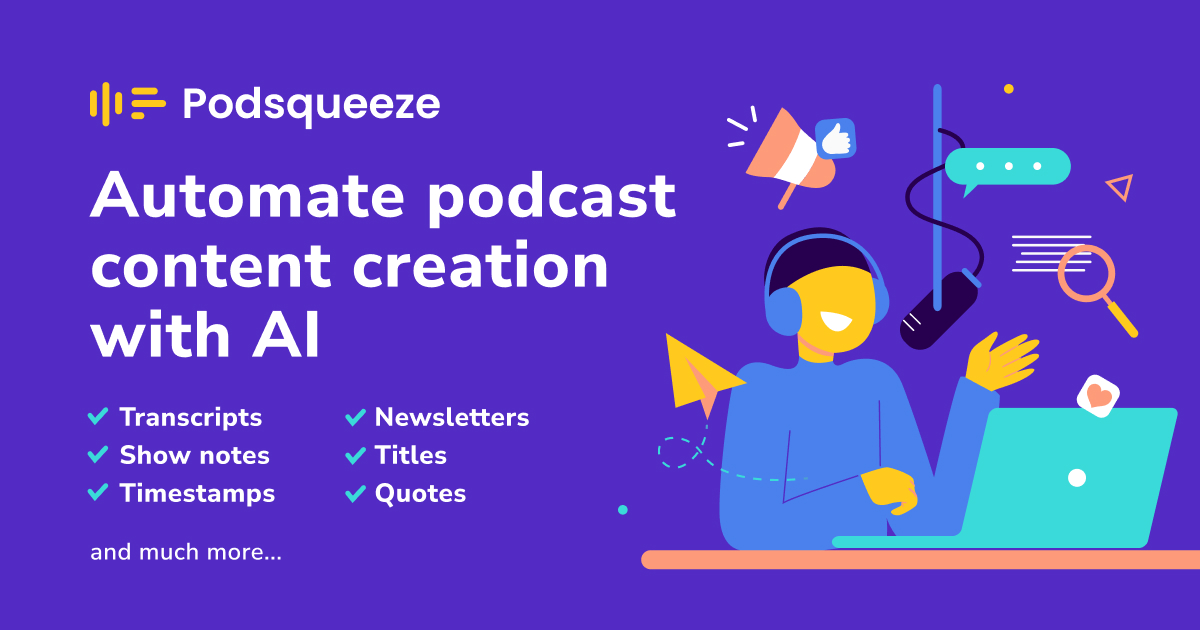
The Complete Beginner's Guide to Podsqueeze
Introduction
Welcome to the ultimate resource for mastering Podsqueeze, your all-in-one podcast transcript generator, summarizer, clip maker, and AI audio enhancer. With Podsqueeze, you can easily grow your podcast and save precious hours of effort in the process. Whether you're a seasoned podcaster or just starting out, this tool offers an array of functionalities designed to elevate your podcasting experience.
Key Benefits and Use Cases:
- Effortlessly transcribe your podcast episodes.
- Create concise summaries for better audience engagement.
- Generate clip highlights to promote your content.
- Enhance audio quality with AI-driven features.
Who Uses Podsqueeze? Podcasters of all levels, from hobbyists to professionals, utilize Podsqueeze to streamline their workflow and enhance their audio content.
What Makes Podsqueeze Unique? Podsqueeze combines multiple necessary tools into one platform, simplifying the podcast production process. Its user-friendly interface and powerful AI technology set it apart from other tools on the market.
Pricing Plans: Podsqueeze offers a free sign-up, allowing users to access a variety of features at no cost. For more details and potential paid options, check the pricing plans.
Pricing may be subject to change. Please refer to the official site for the latest information.
Getting Started
To get started with Podsqueeze, you'll need a device with internet access. The platform is compatible with most modern web browsers, making it accessible from your laptop or desktop.
Basic Interface Navigation: Once logged in, the interface is simple to navigate, offering clear tabs for transcription, summarization, clip making, and audio enhancement. Each section is intuitive and user-friendly.
Core Features
Explore the essential functions that Podsqueeze provides:
- Transcription: Convert audio to text in minutes.
- Summarization: Generate quick summaries for your episodes.
- Clip Maker: Create promotional clips to share on social media.
- Audio Enhancer: Improve sound quality with ease.
Basic Operations Tutorial: Simply upload your audio file, choose your desired function, and follow the prompts. The platform will guide you through each step to ensure a smooth experience.
Common Settings Explained: Familiarize yourself with key settings like transcription accuracy, summarization length, and audio quality for the best output.
First Project Tutorial
To help you kick-start your first project, follow these steps:
- Upload Your Audio File: Drag and drop your podcast episode into the designated area.
- Select Your Feature: Choose whether you want to transcribe, summarize, or enhance your audio.
- Customize Settings: Adjust settings according to your preferences.
- Process the File: Click on the buttons to execute your selected features.
- Review the Results: Check the output and make any necessary adjustments.
Tips for Best Results:
- Use high-quality audio files for clearer transcriptions.
- Keep episode length in mind when creating summaries.
- Experiment with different audio enhancement settings.
Troubleshooting Basics: If you encounter issues, make sure your audio file is the correct format, check your internet connection, and revisit the settings to ensure everything is configured correctly.
Best Practices
To maximize your experience with Podsqueeze:
- Recommended Workflows: Develop a routine that incorporates all the tools—transcribe first, then summarize and clip as needed.
- Common Mistakes to Avoid: Don’t rush the settings; take time to understand each option.
- Performance Optimization: Regularly update your browser and use a reliable internet connection for the best experience.
Pros and Cons
Pros:
- User-friendly interface.
- Multiple tools in one platform.
- Free to sign up.
- Excellent audio enhancement capabilities.
Cons:
- Limited features on the free tier.
- Advanced options may require a deeper learning curve.
Summary
Podsqueeze is your go-to solution for managing your podcasting needs with ease. Whether you want to transcribe, summarize, create clips, or enhance your audio, Podsqueeze has got you covered. Don't miss out on the chance to streamline your workflow and take your podcast to the next level! For more information, visit the Podsqueeze website or sign up for free today!
Reviews
No reviews yetSimilar tools in category

Descript
Transform content creation with user-friendly editing, AI-powered tools, and effortless collaboration.
iZotope RX
Enhance audio quality with machine learning-based repair and instant cleanup.

Krisp
Achieve clear online communication with AI-powered noise reduction and live meeting transcription.