
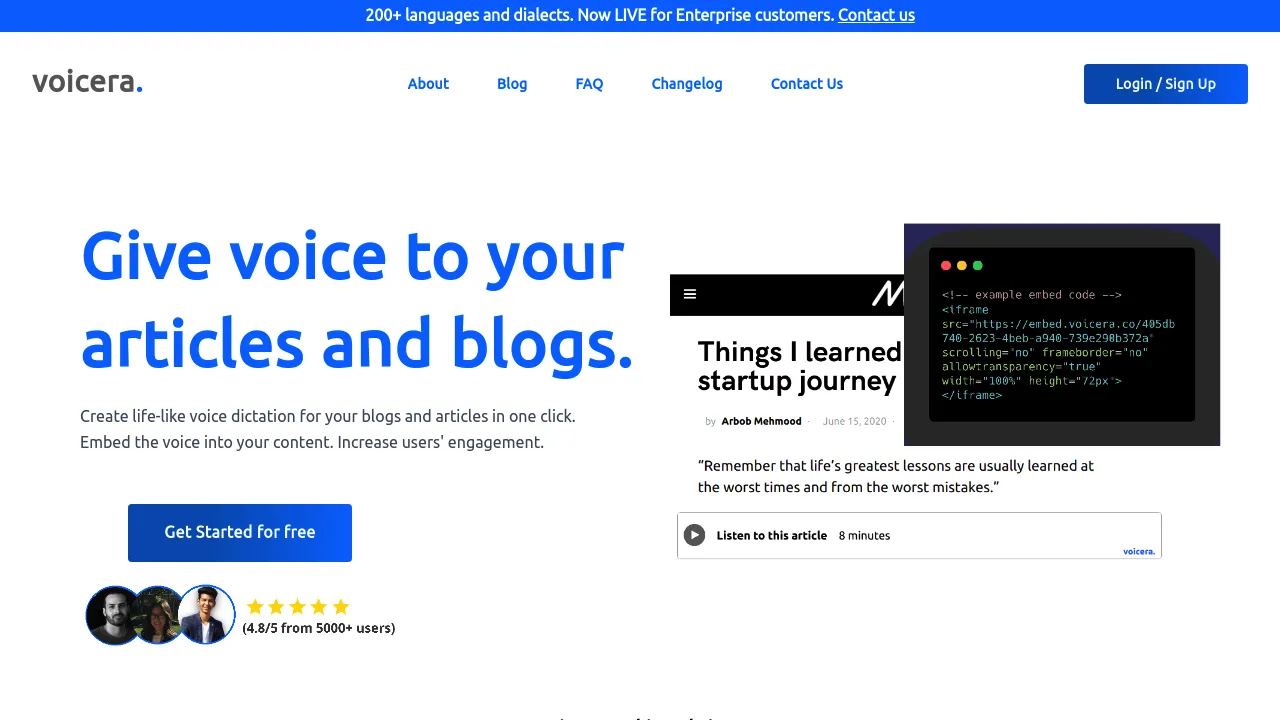
The Complete Beginner's Guide to Voicera
Introduction
Welcome to your ultimate guide to Voicera, the innovative AI audio tool designed to revolutionize how you manage and utilize audio content. With Voicera, you can seamlessly transcribe meetings, conference calls, and interviews, saving time and improving productivity. This powerful tool is perfect for executives, marketers, educators, and anyone looking to harness the power of audio insights.
Key Benefits and Use Cases
- Efficient Transcription: Automatically transcribe and summarize audio content.
- Collaboration Powerhouse: Share audio notes with team members easily.
- Accessibility: Make audio content accessible for everyone.
Who Uses Voicera?
- Businesses: For meeting transcription and documentation.
- Educators: For recording and summarizing lectures.
- Journalists: For interviews and report generation.
What Makes Voicera Unique?
Voicera utilizes cutting-edge AI technology to provide accurate transcriptions, ensuring you capture every important detail of your audio conversations.
Pricing Plans
Voicera offers flexible pricing plans tailored to different user needs. You can explore the pricing details on their official pricing page (please note that prices may change over time).
Getting Started
Before you start using Voicera, ensure your system meets the following requirements:
- Compatible Devices: Desktop or mobile devices with internet access.
- Operating Systems: Supports Windows, MacOS, iOS, and Android.
Basic Interface Navigation
Once you sign up, familiarize yourself with the Voicera interface which is designed to be user-friendly. Key areas include:
- Dashboard: Overview of your latest projects.
- Transcription Manager: Where all your audio files reside.
Core Features
Essential Functions Overview
- Audio Capture: Record audio directly or upload files.
- Transcription: AI-enabled transcription in real time.
- Collaboration Tools: Share summaries and transcriptions with others.
Basic Operations Tutorial
To get started, simply click on the 'New Project' button, choose your audio input method, and let Voicera do its magic.
Common Settings Explained
You can adjust settings such as audio quality and transcription language preferences to suit your needs.
First Project Tutorial
Step-by-Step Walkthrough
- Create a New Project: Click on the 'New Project' button.
- Upload or Record Audio: Choose to upload an existing audio file or record a new session.
- Start Transcription: Hit the 'Transcribe' button and let Voicera work its magic.
- Review and Edit: Once completed, review the transcription for accuracy.
Tips for Best Results
- Good Audio Quality: Ensure clear audio recording for accurate transcription.
- Multiple Speakers: Label speakers in your audio for better context in transcriptions.
Troubleshooting Basics
If transcription fails, check your internet connection or ensure that the audio file format is supported.
Best Practices
Recommended Workflows
- Regularly save and back up your transcriptions.
- Set up team collaboration projects for ongoing audio needs.
Common Mistakes to Avoid
- Ignoring audio quality, which can affect transcription accuracy.
- Not using tags or labels for better organization.
Performance Optimization
To optimize workflow, utilize Voicera’s automation features and integrations with your favorite collaboration tools.
Pros and Cons
Pros
- Automatic transcriptions save a significant amount of time.
- User-friendly interface with seamless navigation.
- Excellent accuracy and ability to distinguish multiple speakers.
Cons
- Pricing may be a consideration for some users.
- May require internet access for the best performance.
Summary
Voicera is your go-to AI audio tool for efficient recording, transcription, and collaboration. Whether you’re a business professional or an educator, this tool can enhance your productivity and organization. Don't hesitate to explore what Voicera has to offer today! For pricing details, check out their official pricing page (prices might change). Start making your audio content work for you!
Reviews
No reviews yetSimilar tools in category

Descript
Transform content creation with user-friendly editing, AI-powered tools, and effortless collaboration.
iZotope RX
Enhance audio quality with machine learning-based repair and instant cleanup.

Krisp
Achieve clear online communication with AI-powered noise reduction and live meeting transcription.