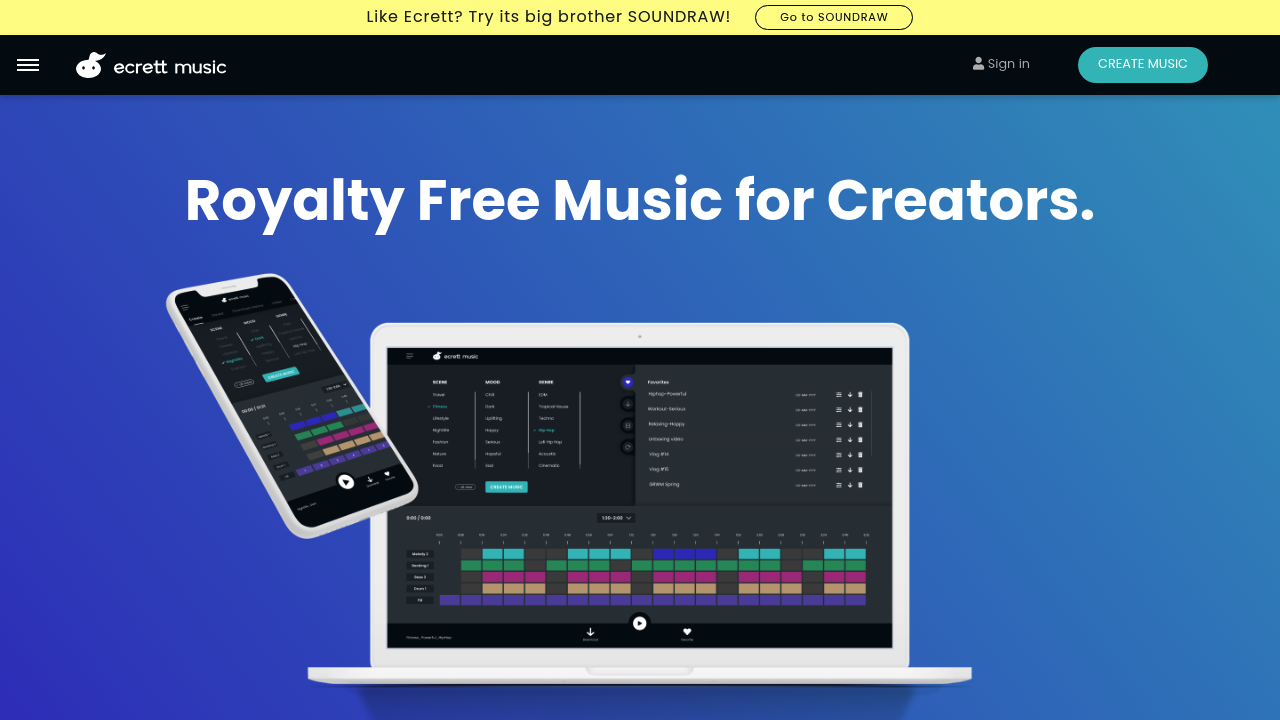
The Complete Beginner's Guide to Ecrett Music
Introduction
Are you in search of the perfect background music for your projects? Look no further than Ecrett Music! This intuitive platform generates royalty-free music tailored to fit your specific needs. Whether you're a filmmaker, podcaster, game developer, or content creator, Ecrett Music makes it simple to find the right sound for your project.
Key Benefits and Use Cases
- Create custom music tracks for videos, presentations, or podcasts.
- Save time and money with royalty-free music options.
- Explore various genres and moods to match your creative vision.
Who Uses Ecrett Music
Ecrett Music caters to a wide range of users, including filmmakers, YouTubers, game developers, and advertisers looking for high-quality, royalty-free music.
What Makes Ecrett Music Unique
What sets Ecrett Music apart is its easy-to-use interface combined with a powerful algorithm that generates music based on user-selected parameters like mood, genre, and duration.
Pricing Plans
Check out Ecrett Music's pricing plans for affordable options tailored to your needs. Please note that pricing may change over time.
Getting Started
System Requirements
To use Ecrett Music effectively, ensure your device meets the following requirements:
- Internet connection
- Modern web browser (Chrome, Firefox, etc.)
Basic Interface Navigation
Navigating the Ecrett Music platform is straightforward. Upon signing in, you'll find a clean layout with easy access to music generation features, user account settings, and support resources.
Core Features
Essential Functions Overview
Ecrett Music offers a powerful suite of features including:
- Music Generation: Instantly create tracks by selecting moods and genres.
- Search Functionality: Easily find specific sounds or styles.
- Preview Options: Listen to tracks before downloading.
Basic Operations Tutorial
To generate music, simply follow these steps:
- Select the mood and genre.
- Choose the desired length of the track.
- Click on "Generate" to produce your custom song.
Common Settings Explained
Familiarize yourself with settings like:
- Mood: Sets the emotional tone of the music.
- Genre: Defines the musical style.
- Length: Tailors the duration to your project requirements.
First Project Tutorial
Step-by-Step Walkthrough
- Log into Ecrett Music.
- Select your mood based on the project needs.
- Choose a genre that aligns with your content.
- Generate your track and preview the results.
- Download your selected music file.
Tips for Best Results
- Experiment with different combinations of moods and genres to find the perfect fit.
- Keep the project theme in mind when selecting audio tracks.
Troubleshooting Basics
If you encounter any issues during music generation or playback, try refreshing the page or clearing your browser cache.
Best Practices
Recommended Workflows
- Generate multiple tracks for comparison; having various options can enhance creativity.
- Use descriptive tags for your projects to stay organized.
Common Mistakes to Avoid
- Avoid overly complex sound requests initially; simple inputs can yield more coherent results.
- Don't skip previews—always listen before downloading!
Performance Optimization
Ensure that your browser is up to date to enjoy the best performance and functionality while using Ecrett Music.
Pros and Cons
Pros
- User-friendly interface for all skill levels.
- High-quality, royalty-free music tailored to projects.
- A wide variety of genres and moods to choose from.
Cons
- Limited features compared to more advanced music composition software.
- Some users may find the selection process slightly overwhelming at first.
Summary
Ecrett Music is your go-to solution for creating customized, royalty-free music quickly and easily. With an intuitive interface and a wide range of genres, it's perfect for anyone looking to enhance their projects with quality audio. Ready to dive in? Create your account today to start generating your perfect soundtrack!
Reviews
No reviews yetSimilar tools in category

Vocal Remover
Enhance music tracks: separate vocals, generate instrumentals, powered by AI, with batch processing capability.

Beatopia
Revolutionize music creation with tailored beats, an AI-powered lyrics tool, and unlimited licensing to boost creativity.

Boomy
Boomy is an innovative platform that allows users to easily create and produce original music in minutes.