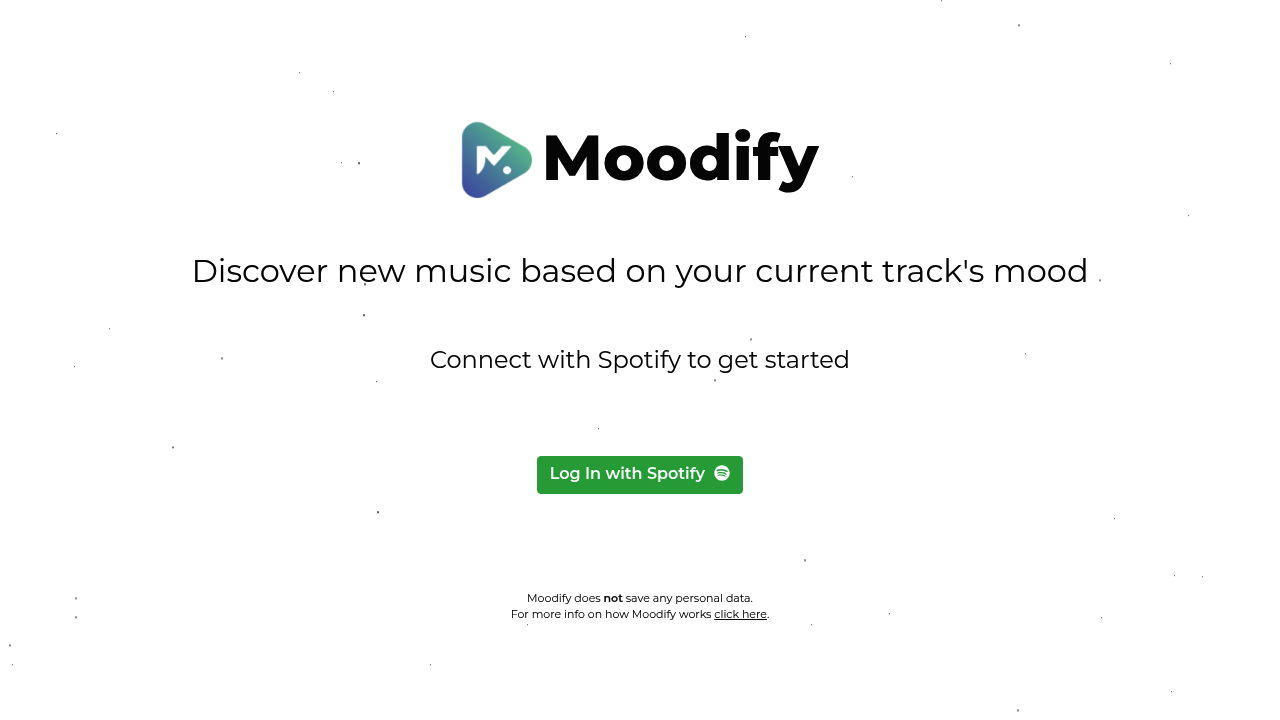
The Complete Beginner's Guide to Moodify
Introduction
Moodify is an innovative service designed to enhance your emotional well-being through personalized music and soundscapes. By harnessing the power of AI, Moodify curates unique auditory experiences tailored specifically to your mood and preferences. Whether you’re looking to unwind, focus, or elevate your spirits, Moodify has something to offer everyone.
Key Benefits and Use Cases
- Personalized Experience: Enjoy soundscapes that adapt to your emotional state.
- Versatile Applications: Ideal for relaxation, studying, meditation, or any activity requiring a boost in mood.
- Accessible to Everyone: Great for individuals seeking emotional balance.
Who Uses Moodify?
Moodify is perfect for anyone from busy professionals seeking relaxation to students looking to enhance concentration. It's a valuable tool for mental health enthusiasts and anyone aiming to enrich their emotional experience.
What Makes Moodify Unique?
Moodify sets itself apart through its AI-driven analysis of your mood, allowing it to create a bespoke audio experience unlike any other service on the market.
Pricing Plans
Moodify offers various pricing plans tailored to your needs. For detailed information on pricing, please visit the official pricing plans page. (Disclaimer: Pricing is subject to change.)
Getting Started
System Requirements
To get started with Moodify, you only need a smartphone or computer with internet access. Moodify is compatible with most devices, making it easy to use on the go.
Basic Interface Navigation
Upon logging into Moodify, you’ll be greeted by a user-friendly interface that includes:
- A personalized dashboard
- Soundscapes categorized by moods
- Access to your music library
Core Features
Essential Functions Overview
- Mood Detection: Automatically assesses your emotional state.
- Curated Playlists: Offers tailored soundscapes to suit your mood.
- Playlist Customization: Allows you to create and save your favorite soundscapes.
Basic Operations Tutorial
- Setting Your Mood: Use the mood slider to select your emotional state.
- Exploring Soundscapes: Browse through the curated playlists tailored to your mood.
- Saving Favorites: Save your favorite soundscapes for quick access.
Common Settings Explained
- Volume Control: Adjust the sound levels to your preference.
- Background Noise Options: Integrate ambient sounds to enhance your listening experience.
First Project Tutorial
Step-by-Step Walkthrough
- Login to Moodify.
- Set your mood on the slider.
- Choose a soundscape from the suggestions.
- Hit play and immerse yourself in your audio experience.
Tips for Best Results
- Find a quiet space to enjoy the soundscapes fully.
- Use headphones for an immersive experience.
- Experiment with different moods to discover new favorites.
Troubleshooting Basics
- If sound does not play, check your device's volume settings.
- Make sure your internet connection is stable.
Best Practices
Recommended Workflows
- Start your day with uplifting soundscapes to boost motivation.
- Use calming soundscapes during study sessions or meditation.
Common Mistakes to Avoid
- Overlooking the mood slider feature which tailors the experience to your needs.
- Not exploring the variety of soundscapes available.
Performance Optimization
- Regularly update your app to enjoy the latest features.
- Clear your app data occasionally for improved performance.
Pros and Cons
Pros
- Highly personalized audio experience.
- User-friendly interface.
- Versatile for multiple settings and moods.
Cons
- Limited to audio playback; lacks visual elements.
- Dependent on internet connection.
Summary
Moodify is your go-to service for enhancing emotional well-being through personalized music and soundscapes. With its unique AI-driven features, anyone can find solace, focus, or joy in auditory experiences. If you're ready to transform your mood with the perfect sounds, consider giving Moodify a try today!
Reviews
No reviews yetSimilar tools in category

Vocal Remover
Enhance music tracks: separate vocals, generate instrumentals, powered by AI, with batch processing capability.

Beatopia
Revolutionize music creation with tailored beats, an AI-powered lyrics tool, and unlimited licensing to boost creativity.

Boomy
Boomy is an innovative platform that allows users to easily create and produce original music in minutes.