The Complete Beginner's Guide to WavTool
Introduction
WavTool is a cutting-edge audio editing platform designed to make sound design and production accessible to creators of all levels. Whether you're a seasoned professional or just starting out, WavTool simplifies the process of crafting stunning audio, making it the go-to tool for musicians, podcasters, and sound designers alike.
Key Benefits and Use Cases
- Streamlined Workflow: Quickly edit and produce audio without the complexity of traditional software.
- User-Friendly Interface: Intuitive design that reduces the learning curve for beginners.
- Versatile Applications: Perfect for music production, podcast editing, and sound design.
Who Uses WavTool?
From hobbyists to industry professionals, anyone looking to elevate their audio quality can benefit from WavTool’s innovative features.
What Makes WavTool Unique?
WavTool harnesses the power of AI to enhance audio editing capabilities, setting it apart from more conventional platforms.
Pricing Plans
- Individual Plan: $20/month
- Pro Plan: $50/month
- Note: Check the official site for the most current pricing, as it is subject to change.
Getting Started
System Requirements
To fully enjoy WavTool’s features, ensure your device meets the following minimum requirements:
- Windows or macOS
- 4GB of RAM or higher
- Stable Internet connection
Basic Interface Navigation
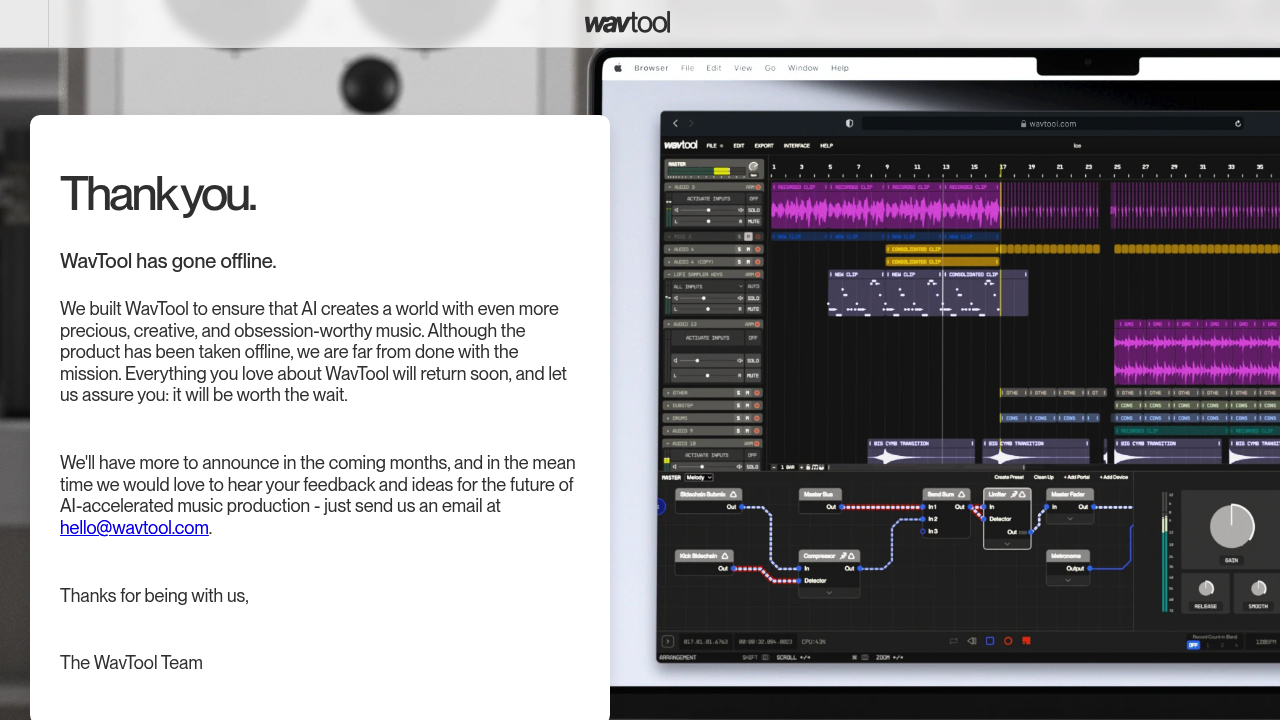
Upon launching WavTool, you’ll find a sleek interface that allows for easy navigation. Familiarize yourself with the menu and tool icons to get the best out of your editing experience.
Core Features
Essential Functions Overview
- Audio Recording: Capture your sound directly within the platform.
- Editing Tools: Use cut, copy, paste, and trim functionalities to refine your audio pieces.
- Effects and Mixes: Enhance tracks with various built-in audio effects.
Basic Operations Tutorial
Start by importing your audio files. Navigate to the main editing window where you'll find options to adjust volume levels, apply effects, and more.
Common Settings Explained
Don’t forget to explore the settings menu for customizing audio outputs, input devices, and project preferences to suit your needs.
First Project Tutorial
Step-by-Step Walkthrough
- Create a new project from the dashboard.
- Import an audio file by dragging and dropping it into the timeline.
- Use the editing tools to trim and adjust your track as necessary.
- Add effects and mix to achieve the desired sound.
- Export your final project when you’re satisfied with the result.
Tips for Best Results
- Experiment with different effects to find the right sound for your project.
- Save your work frequently to avoid losing progress.
Troubleshooting Basics
If you encounter any issues, check for software updates or refer to the help section for solutions to common problems.
Best Practices
Recommended Workflows
To maximize efficiency, start with a clear plan for your audio project, including the desired outcomes and the steps needed to achieve them.
Common Mistakes to Avoid
- Forgetting to save your project regularly.
- Overloading tracks with too many effects, which can muddle the final sound.
Performance Optimization
Maintain a smooth editing experience by closing unnecessary applications and making sure your device's resources are dedicated to WavTool.
Pros and Cons
Pros
- User-friendly, perfect for beginners.
- Advanced AI features for professional quality outputs.
- Versatile for different audio projects.
Cons
- May have a learning curve for advanced features.
- Subscription-based pricing may not suit everyone.
Summary
WavTool stands out as a premier choice for audio editing, combining simplicity with advanced capabilities. Whether you’re just starting your audio journey or looking to polish your projects, WavTool offers the tools you need to create high-quality sound. Ready to take your audio editing to the next level? Dive into WavTool today and discover the endless creative possibilities waiting for you!
Reviews
No reviews yetSimilar tools in category

Vocal Remover
Enhance music tracks: separate vocals, generate instrumentals, powered by AI, with batch processing capability.

Beatopia
Revolutionize music creation with tailored beats, an AI-powered lyrics tool, and unlimited licensing to boost creativity.

Boomy
Boomy is an innovative platform that allows users to easily create and produce original music in minutes.