NoteGenie
NoteGenie is a powerful tool that helps users effortlessly organize and manage their notes.
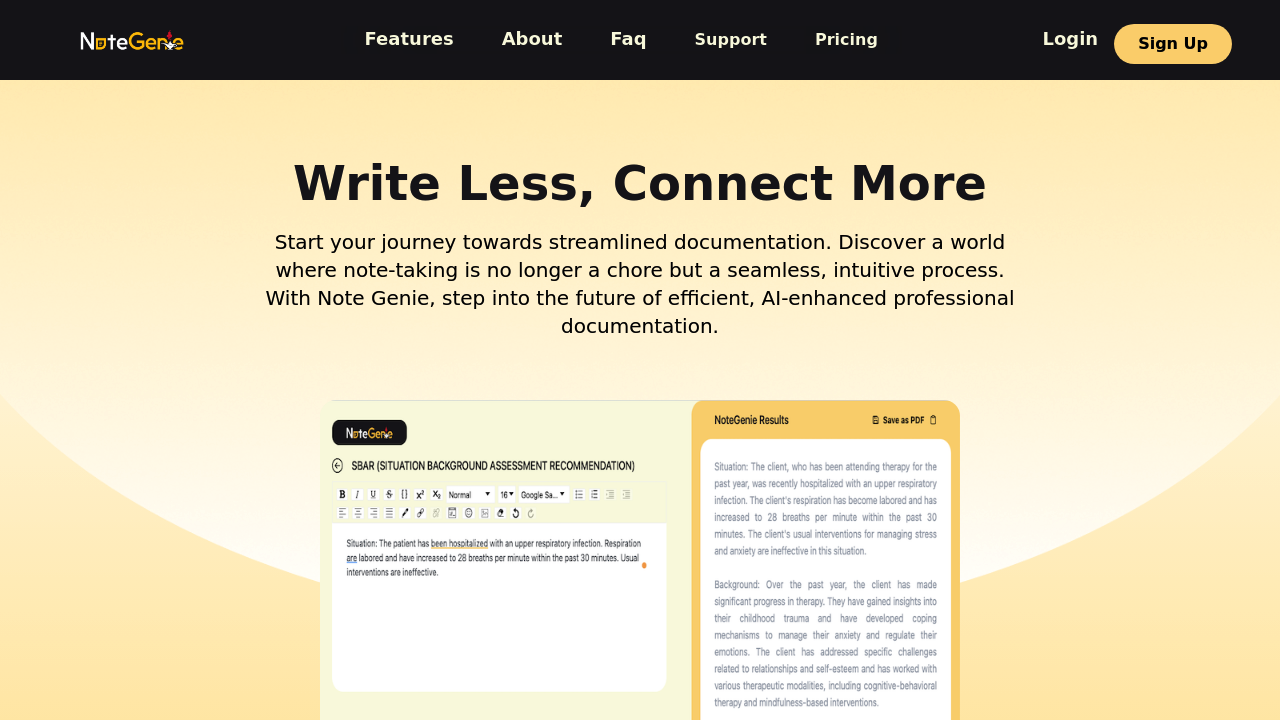
The Complete Beginner's Guide to NoteGenie
Introduction
Welcome to the world of NoteGenie, a powerful tool designed to help users effortlessly organize and manage their notes. This innovative platform is your ultimate solution for keeping track of thoughts, ideas, and essential information all in one place. NoteGenie is perfect for students, professionals, or anyone looking to streamline their note-taking process. Its unique features, intuitive interface, and adaptability set it apart, making it an essential tool in today’s fast-paced world.
Key Benefits and Use Cases:
- Seamlessly organize notes for study, work, or personal projects
- Easy collaboration features for team projects
- Efficient search function to find exactly what you need
Who Uses NoteGenie?
NoteGenie is widely utilized by students, educators, business professionals, and creative individuals who need a reliable system for managing their notes.
What Makes NoteGenie Unique?
With features like smart categorization, tagging options, and cross-platform availability, NoteGenie stands out as a user-friendly and versatile tool.
Pricing Plans
NoteGenie offers several pricing plans to suit different needs. Here are the details:
- Free Plan: Great for basic note-taking
- Pro Plan: $9.99/month for enhanced features
- Team Plan: $19.99/month, perfect for collaborative projects
For more information on pricing plans, visit the NoteGenie Pricing Page. Please note that pricing may change.
Getting Started
To embark on your NoteGenie journey, ensure your system meets the following requirements:
- Device Compatibility: Use NoteGenie on desktop or mobile devices (Windows, macOS, iOS, Android)
- Internet Connection: A stable connection is required for full functionality
Basic Interface Navigation
Upon logging in, you'll be greeted by a clean dashboard. The main navigation menu includes options for creating new notes, organizing existing ones, and accessing settings for customization.
Core Features
Essential Functions Overview
NoteGenie offers a variety of essential functions to enhance your note-taking experience:
- Categorization: Organize notes by topics or subjects
- Tagging: Easily find notes with custom tags
- Search Functionality: Locate any note quickly with an efficient search tool
Basic Operations Tutorial
To create a new note, simply click the "New Note" button, type your content, and hit save. You can format your text, add images, or create checklists easily.
Common Settings Explained
In the settings menu, adjust preferences like notification settings, theme customization, and privacy controls.
First Project Tutorial
Step-by-step Walkthrough
- Create a New Project: Start by selecting "New Project."
- Title Your Project: Give your project a clear, descriptive title.
- Add Notes: Use the note creation tools to jot down ideas related to your project.
- Organize Notes: Use folders and tags to keep your project notes structured.
Tips for Best Results
- Use tags consistently for easier retrieval.
- Take time to explore all features to maximize productivity.
Troubleshooting Basics
If you encounter issues, check for internet connectivity, or refer to the FAQ section within the app.
Best Practices
Recommended Workflows
- Dedicate specific folders for different subjects or projects to keep organized.
- Regularly review and update your notes for efficiency.
Common Mistakes to Avoid
- Neglecting to use tags can lead to disorganization.
- Overcomplicating your note structure may hinder retrieval.
Performance Optimization
Ensure your device is updated to avoid slow performance, and keep your notes concise for quick access.
Pros and Cons
Pros
- User-friendly interface
- Powerful organization features
- Cross-platform availability
Cons
- Some advanced features may require a subscription
- Initial learning curve for new users
Summary
In today's digital age, having an efficient note management tool is vital. NoteGenie offers an array of features designed to help you stay organized and productive. Whether you’re a student, a professional, or anyone looking to manage notes effectively, NoteGenie is here to assist you. Explore its capabilities today, and experience a new dimension of note-taking!
Ready to dive in? Visit NoteGenie now to start your journey!