RecCloud
AI transcription and subtitle platform for turning video and audio into text, captions, translation, and speech workflows.
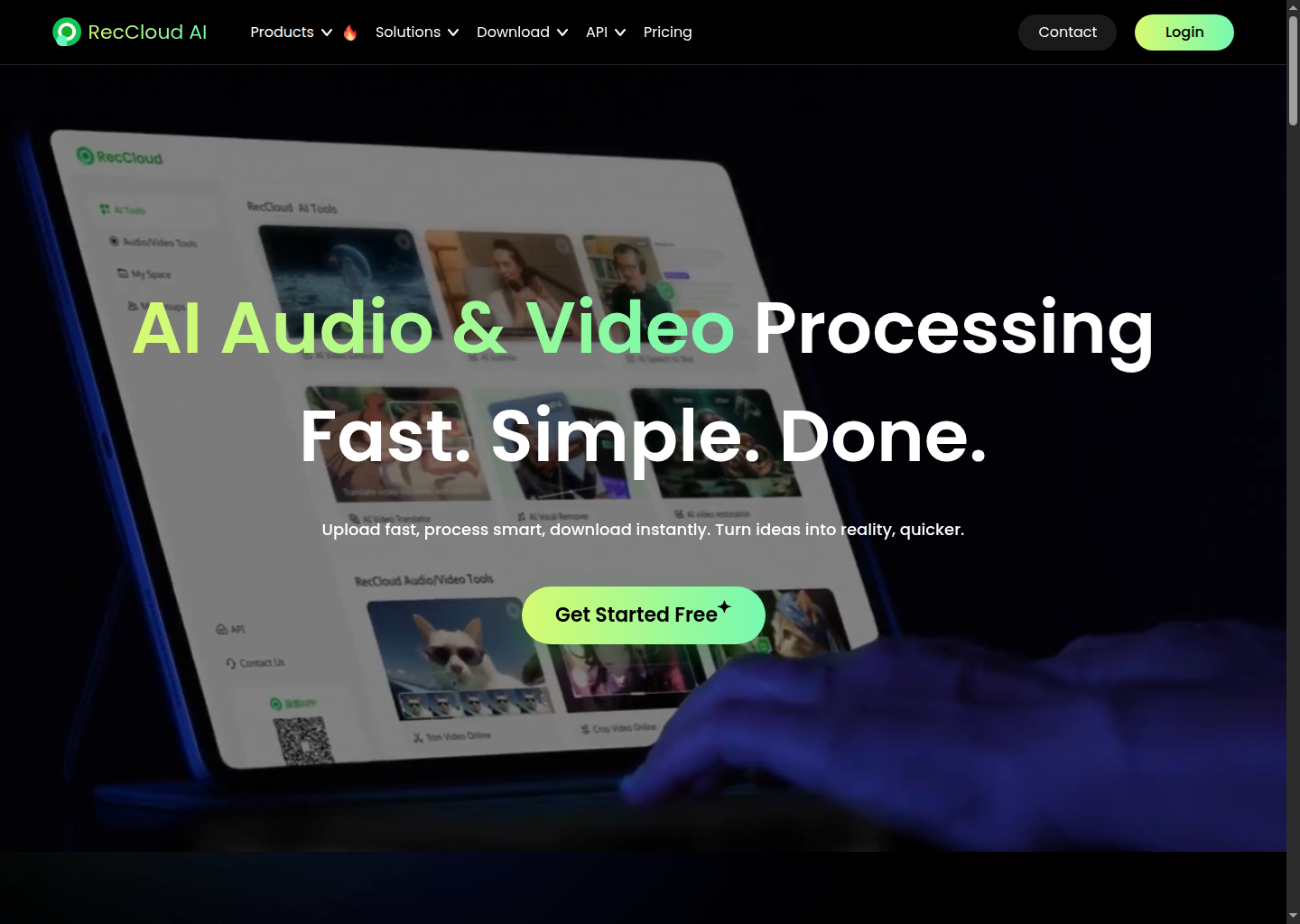
RecCloud: AI Transcription and Subtitle Tool for Video-to-Text Workflows (2026)
RecCloud is an AI media platform that bundles speech-to-text, subtitle generation, text-to-speech, translation, and broader video-processing features into one web product. For AudioAIHub readers, the key question is not whether it does "everything," but whether its transcription workflow is practical enough to justify using a broader media suite instead of a narrow specialist transcription app. The strongest reason to consider RecCloud is consolidation: one workspace can handle transcription, subtitles, and related localization tasks. The weaker side is focus. If you want a pure transcription product with simpler pricing and narrower scope, specialized alternatives may feel cleaner.
RecCloud: Key Specs at a Glance
| Feature | RecCloud |
|---|---|
| Primary use case | Speech-to-text transcription, subtitle generation, text-to-speech, and video translation inside one web platform |
| Developer | RecCloud |
| Access type | Web app |
| Core workflow | Upload or process media, generate transcript/subtitles, then reuse output for translation, captions, or related AI editing tasks |
| Transcription support | Yes, prominently marketed on the official site |
| Subtitle generation | Yes, prominently marketed on the official site |
| Text-to-speech | Yes, officially marketed |
| Video translation | Yes, officially marketed |
| API availability | Yes, the official site markets API access |
| Supported input formats | Media file upload is implied by the product, but the full accepted format matrix is not clearly documented on the public landing page |
| Output formats | Transcript, subtitle, translated media, and speech outputs; exact export codec details are not publicly documented on the landing page |
| Language support | Multilingual workflows are implied through translation features; the full public language matrix was not clearly documented on the pages reviewed |
| Max file size or duration | Not publicly documented on the public landing page reviewed for this run |
| Output quality | Not publicly documented as WER, sample rate, or subtitle accuracy benchmark |
| Collaboration features | Not publicly documented in detail on the landing page |
| Pricing model | Freemium plus credit-based usage |
| Free access | Official pricing FAQ says subtitle and speech-to-text features are free for the first minute, then consume credits |
| Paid access | Credit-based usage applies after the free allowance; broader plan structure exists, but exact public tier mapping is less transparent than many specialist SaaS tools |
Where RecCloud Fits Best
RecCloud is strongest for users who do not want to piece together separate tools for transcription, subtitling, and adjacent audio-video conversion tasks. That matters for content teams handling webinars, tutorials, short-form videos, or repurposed interviews. In those workflows, moving from speech-to-text into subtitles and then into translated or repackaged assets can be more valuable than squeezing out the absolute best transcription-only experience.
The product is therefore better understood as a workflow stack than as a pure transcription engine. For AudioAIHub readers, that distinction is essential. If you need raw transcript accuracy as the only buying criterion, you should benchmark it against narrower transcription-first tools. If you need a broader production pipeline for captions, localized assets, and media reuse, RecCloud becomes more compelling.
Pricing and Usage Reality
RecCloud's public pricing is more usage-oriented than traditional seat-based SaaS. The clearest public signal from the pricing FAQ is that subtitle and speech-to-text tasks are free for the first minute and then consume 1 credit per minute. Text-to-speech also follows a credit model after a free starting allowance. That pricing structure is flexible for occasional users, but it can become harder to forecast than a simple monthly subscription when usage volume grows.
This credit model creates a practical tradeoff. Light users can test the workflow with minimal friction, while heavier teams need to watch cost per minute more carefully. If your output volume is steady and large, a simpler subscription platform may be easier to budget. If your use is spiky and project-based, the free allowance plus credits can be reasonable.
Limitations You Should Know
- It is a broad suite, not a transcription specialist: RecCloud does many related media tasks, which is convenient, but some buyers may prefer a more focused speech-to-text product.
- Public technical documentation is still thin: the reviewed public pages do not clearly publish WER, transcript benchmark quality, max file duration, or export fidelity details.
- Credit pricing adds forecasting friction: free-first-minute messaging is helpful, but sustained production usage can be less predictable than flat subscription pricing.
- Comparative weakness versus specialist tools: dedicated transcription products may offer stronger meeting-specific workflows, clearer enterprise governance, or better-documented accuracy tradeoffs.
- Audio professionals need to test quality on their own material: subtitle and transcription tools behave differently across accents, noisy audio, and mixed-language content, and public marketing pages do not fully answer that.
Best Use Cases
- Creators turning spoken video into subtitles and text assets.
- Teams repurposing webinars, tutorials, or interviews into multilingual content.
- Users who want one browser tool for transcription plus adjacent media-processing tasks.
- Occasional users who benefit from a low-friction free starting allowance before paying for credits.
When Not to Choose RecCloud
Do not choose RecCloud if you want the narrowest, most transcription-specific workflow with highly explicit public accuracy benchmarks and simple flat pricing. It is also a weaker fit if you only need offline dictation or studio-centric audio processing. RecCloud is best when transcription sits inside a larger subtitle and content-reuse pipeline.
Workflow and Cost Analysis
RecCloud's biggest practical strength is reducing tool sprawl. Many teams start with separate products for transcript generation, subtitle editing, text-to-speech, and translation. RecCloud markets all of those in one place, which can shorten the path from raw spoken content to published multilingual assets. For lean teams, fewer handoffs can matter as much as raw AI quality.
The cost story is more mixed. A free-first-minute model is useful for testing, but credit systems force buyers to estimate real usage patterns. That makes RecCloud more attractive for variable workloads than for always-on heavy production. The product makes sense when workflow simplicity is the primary value driver; it is less compelling when procurement requires very clean per-seat pricing and publicly documented technical guarantees.
Ecosystem Signals
External references suggest that RecCloud is being recognized as more than a simple subtitle add-on. G2 positions it within AI media and transcription-related categories, while AlternativeTo describes it as a broad AI media platform with subtitle generation, speech transcription, text-to-video, translation, and vocal extraction capabilities. Those descriptions match the official positioning: RecCloud is broad, flexible, and oriented around media transformation rather than one single transcription use case.
FAQ
Does RecCloud support speech-to-text?
Yes. Speech-to-text is one of the main features highlighted on RecCloud's official site.
Does RecCloud generate subtitles?
Yes. Subtitle generation is prominently marketed on the official site.
Is RecCloud free to try?
Yes. The public pricing FAQ says subtitle and speech-to-text usage are free for the first minute before credits apply.
Is RecCloud only for transcription?
No. It also markets text-to-speech, video translation, and broader media-processing workflows.
Who gets the most value from RecCloud?
Content teams that want transcription, subtitles, and related AI media tasks in one browser workflow get the clearest benefit.
Official sources: https://reccloud.com/ , https://reccloud.com/pricing
External discussion and review sources: https://www.g2.com/products/reccloud-reccloud/reviews , https://alternativeto.net/software/reccloud/
Reviews
No reviews yetSimilar tools in category

Shownotes
Transform audio management with AI-powered transcription, summarization, and multilingual capabilities.

PodPilot
AI-powered podcast creation with easy production and smooth publishing across platforms.

S10.AI
S10.AI is an advanced artificial intelligence platform designed to streamline and enhance business operations.