
ScreenApp
Transform your productivity with ScreenApp's AI-powered screen recording, transcription, and video analysis tools. Perfect for teams, educators, and professionals.
What is ScreenApp?
ScreenApp is an AI-powered transcription, screen recording, and meeting analysis platform trusted by over 3 million users worldwide. It transforms audio and video recordings into structured, searchable knowledge — helping teams, educators, and professionals absorb information faster. Pricing: Free plan (3 recordings), Growth at $19/mo, Business at $34/mo (billed annually).
Getting Started with ScreenApp
Getting started with ScreenApp is straightforward. Visit screenapp.io, create a free account (no credit card required), and start recording your screen, uploading audio/video files, or connecting your meeting platforms. The AI instantly transcribes, summarizes, and highlights key topics from any recording.
Setup Steps
- Sign up at screenapp.io — free tier available immediately
- Install the Chrome Extension or Android app for on-the-go recording
- Record screen, audio, or import from cloud storage
- Let AI transcribe and summarize your content automatically
Core Features
- AI Transcription: Real-time and batch transcription across 100+ languages with high accuracy
- AI Summarizer: Instantly converts long recordings into concise, structured summaries
- Meeting Recorder: Captures meetings from Zoom, Google Meet, and MS Teams automatically
- AI Assistant: Ask questions about any recording and get instant answers
- Video Analyzer: Searches and analyzes video frames for visual content
- Voice Translator: Translates recordings in real time across multiple languages
- Text to Speech: Converts text into natural-sounding audio
- Clip Maker: Extract short clips from long recordings for sharing
- Subtitles & Captions: Auto-generates subtitles for any video or audio file
Tutorial: Transcribing an Audio File
- Log in to your ScreenApp dashboard
- Click "Upload" and select your audio or video file (up to 2GB)
- ScreenApp's AI processes the file and generates a full transcript within minutes
- Use the AI chat to ask questions like "What were the key action items?"
- Export as PDF, Word document, or SRT subtitle file
Best Practices
- Use the meeting bot for automatic capture of all your scheduled calls
- Organize recordings with folders and tags for easy retrieval
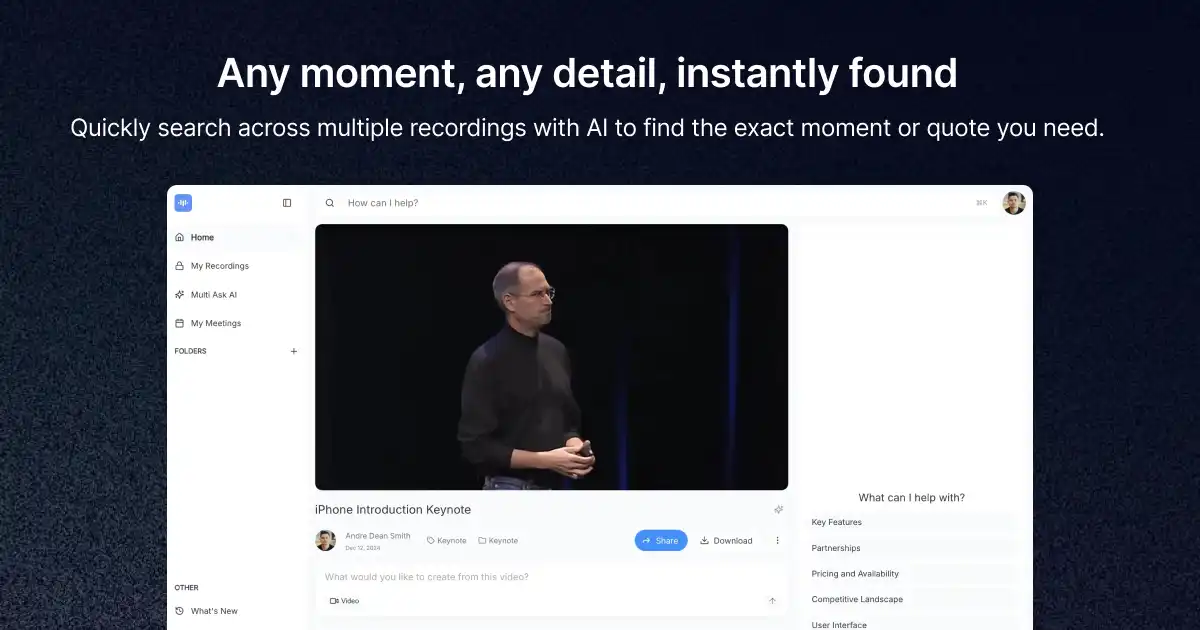
- Leverage the AI search feature to find specific moments across all recordings
- Enable real-time transcription for live lectures and presentations
- Use the Voice Translator for multilingual team meetings
Pros and Cons
Pros
- Generous free tier — no credit card required
- All-in-one platform: recording, transcription, summarization, and translation
- Trusted by Tesla, Atlassian, Netflix and 3M+ users
- Works offline via mobile app
- Supports 100+ languages for transcription
Cons
- AI credit limits on lower plans
- Video analysis only available on Business plan
- API access requires Business or Enterprise
Community Reviews
Users consistently praise ScreenApp for transforming how they handle meeting notes and recordings. Professionals from Deel, Salesforce, and Netflix use it to save hours on documentation. The AI Assistant feature receives particular acclaim for allowing natural language queries across entire recording libraries.
Summary
ScreenApp is a comprehensive AI audio intelligence platform that excels at turning recordings into actionable knowledge. With its powerful transcription engine, meeting bot, multi-language support, and AI-powered search, it's an essential tool for teams that rely on audio and video communication. The free tier makes it accessible to individuals, while Business and Enterprise plans serve large organizations at scale.
Reviews
No reviews yetSimilar tools in category

Audyo
Convert text into realistic speech, including celebrity voice imitation, multilingual capabilities, and easy editing options.
Shownotes
Transform audio management with AI-powered transcription, summarization, and multilingual capabilities.

PodPilot
AI-powered podcast creation with easy production and smooth publishing across platforms.