The Complete Beginner's Guide to TurboScribe
Introduction
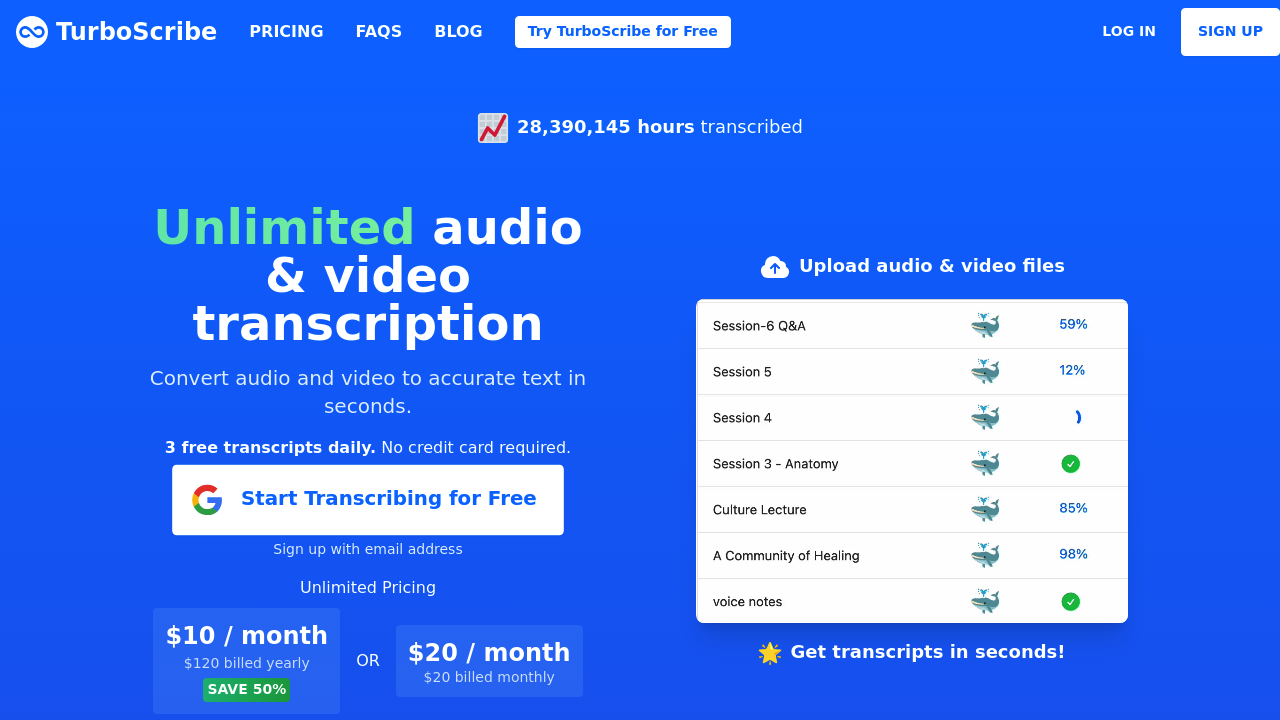
TurboScribe is an intelligent audio transcription tool that harnesses the power of AI to convert audio files into text with remarkable accuracy. Designed for users looking to streamline their transcription processes, TurboScribe makes it easy to transcribe interviews, meetings, and lectures in no time. Whether you're a student, journalist, or business professional, TurboScribe can help you save time and enhance productivity.
Key benefits and use cases:
- Fast and accurate transcription
- Ideal for content creators, researchers, and businesses
- Supports various audio formats
- User-friendly interface
Who Uses TurboScribe: TurboScribe is perfect for anyone who requires efficient audio-to-text transcription solutions, including podcasters, educators, and corporate teams.
What Makes TurboScribe Unique: The integration of cutting-edge AI technology allows TurboScribe to deliver high-quality transcriptions with unmatched speed and precision.
Pricing Plans:
TurboScribe offers a variety of pricing plans tailored to different needs. To learn more, explore the Pricing Page (please note that prices may change).
Getting Started
To begin using TurboScribe, you will need:
- System Requirements: A compatible web browser and a stable internet connection.
- Basic Interface Navigation: After signing up, familiarize yourself with the intuitive dashboard, where you can upload files, manage transcriptions, and review completed work.
Core Features
TurboScribe comes packed with essential functions designed for ease of use:
- Audio Upload: Supports multiple audio formats seamlessly.
- Real-Time Transcription: Experience rapid transcriptions as the tool processes your audio.
- Editing Capabilities: Fine-tune your transcript within the platform.
- Export Options: Download transcriptions in various formats, making it simple to share or archive your work.
First Project Tutorial
Getting started with your first project on TurboScribe is straightforward:
- Upload Your Audio File: Click on the upload button and select your audio file.
- Select Transcription Options: Choose your preferred transcription settings.
- Start Transcription: Click 'Start', and watch TurboScribe work its magic.
- Edit and Review: Once your transcript is ready, edit for accuracy, then export.
Tips for Best Results:
- Use clear audio recordings to improve transcription quality.
- Ensure speakers are clearly identifiable if multiple speakers are present.
Troubleshooting Basics: If you encounter issues, check your audio file format and ensure your internet connection is stable.
Best Practices
To maximize your experience with TurboScribe, consider these best practices:
- Recommended Workflows: Create a habit of organizing your audio files clearly before uploading.
- Common Mistakes to Avoid: Avoid uploading files with heavy background noise, as they can affect transcription accuracy.
- Performance Optimization: Regularly check for updates and familiarize yourself with new features.
Pros and Cons
Pros:
- Highly accurate transcriptions
- Easy to use with an intuitive interface
- Fast processing times
- Good customer support
Cons:
- Learning curve for advanced features
- Pricing may be a factor for some users
Summary
TurboScribe stands out as an effective AI audio transcription tool, making transcription easier and more accessible for various users, from students to professionals. By utilizing its features and best practices, you can enhance your workflow significantly. If you're ready to transform your audio into text effortlessly, don't hesitate to explore TurboScribe and take the first step toward efficient transcription!
Reviews
No reviews yetSimilar tools in category

Audyo
Convert text into realistic speech, including celebrity voice imitation, multilingual capabilities, and easy editing options.
Shownotes
Transform audio management with AI-powered transcription, summarization, and multilingual capabilities.

PodPilot
AI-powered podcast creation with easy production and smooth publishing across platforms.